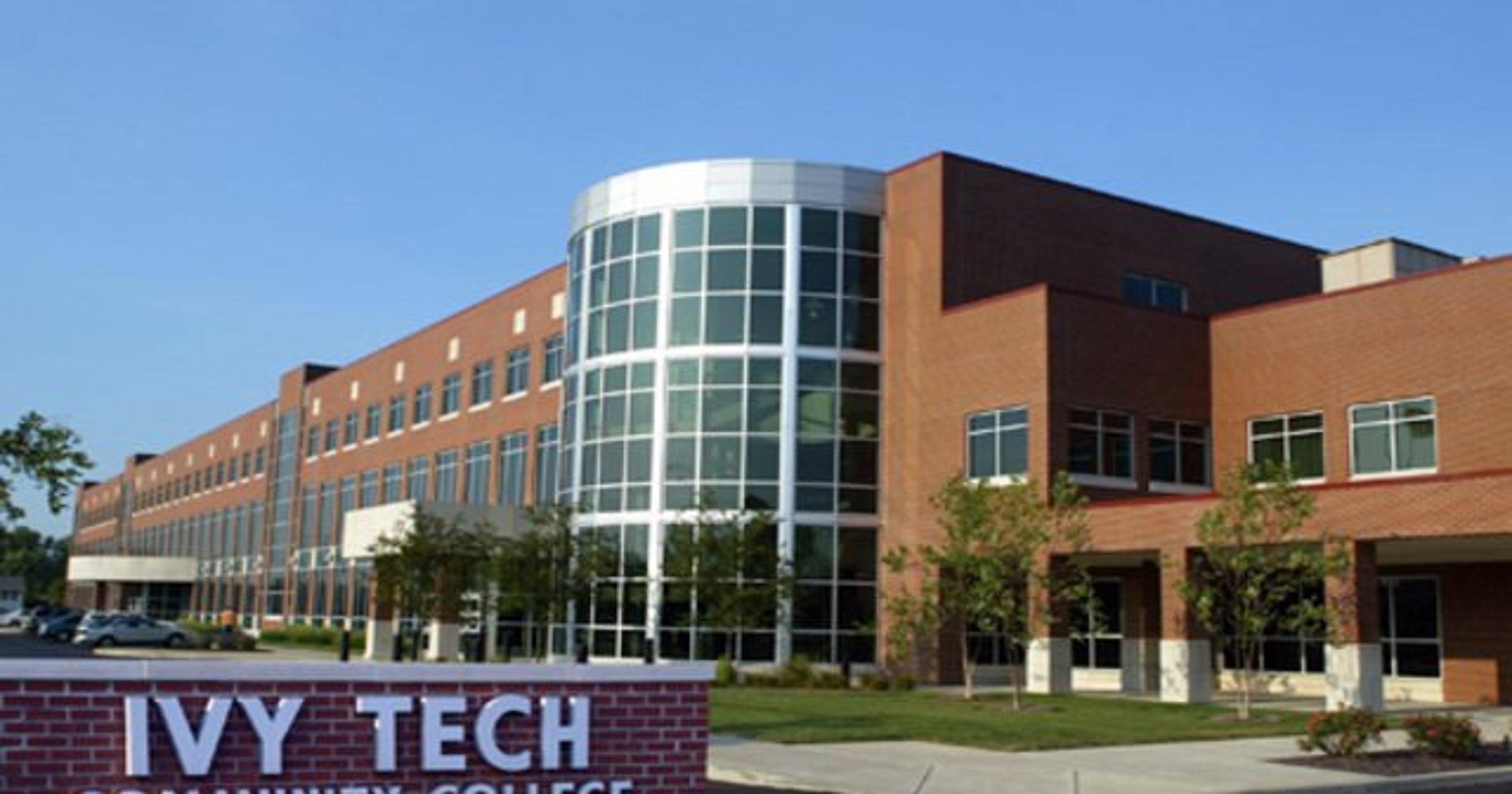
Missed a registration deadline. Showed up to campus during a break. Forgotten when finals start. These aren’t just minor hiccups—they’re disruptions that cost time, money, and momentum. For students at Ivy Tech Community College’s Evansville campus, the academic calendar isn’t just a list of dates. It’s the backbone of their semester.
Without it, you're navigating blind. With it, you can plan work shifts, family obligations, and study blocks around key academic milestones. This guide breaks down exactly how to use the Ivy Tech Evansville calendar, what dates matter most, and how to avoid the most common scheduling pitfalls.
How to Access the Official Ivy Tech Evansville Calendar
The primary source for all academic dates is the Ivy Tech Community College system-wide academic calendar, which includes Evansville-specific dates. While Ivy Tech operates multiple campuses, Evansville follows the standard academic schedule with minor local adjustments.
- Steps to find the official calendar:
- Go to ivytech.edu
- Use the search bar to type “academic calendar”
- Select the current academic year calendar
- Confirm that Evansville follows the statewide calendar (it typically does)
Note: There is no standalone “Ivy Tech Evansville-only” calendar. The statewide calendar includes all critical dates applicable to the Evansville campus, including holidays, breaks, and grading deadlines.
Pro tip: Download the calendar as a PDF or sync it to your Google Calendar. The site offers downloadable versions in iCal format—ideal for automatic syncing with smartphones and digital planners.
Key Dates That Impact Evansville Students
While the full calendar includes dozens of dates, a handful directly affect student success. Missing these can delay progress, trigger fees, or result in dropped classes.
Start and End of Terms Ivy Tech operates on a semester system with three main terms: - Fall Semester (August–December) - Spring Semester (January–May) - Summer Session (May–August)
Each term includes standard 16-week courses, plus accelerated 8-week sessions. The calendar clearly marks: - First day of class - Last day to add/drop with refund - Census date (when enrollment is finalized for funding)
Example: In a typical fall term, August 19 might be the first day of class. If you don’t log in or attend by August 26, you could be dropped for non-participation—even if you’re “just getting settled.”
Deadlines for Enrollment and Withdrawal One of the most misunderstood sections of the calendar involves withdrawal dates: - Last day to drop with 100% refund: Usually within the first week - Last day to withdraw with a “W”: Typically around week 10 - After withdrawal deadline: A failing grade is recorded

Students often confuse “dropping” and “withdrawing.” Dropping early removes the class from your record. Withdrawing later leaves a “W”—better than an F, but repeated Ws can affect financial aid.
Common mistake: Waiting until midterm to decide a class isn’t working. By then, the refund window has closed, and withdrawal may already be past. Always consult the calendar before week 5.
Breaks and Campus Closures
The Ivy Tech Evansville campus observes most state and federal holidays. These are reflected on the academic calendar and affect: - Campus office hours - Library access - Online support availability
Key closures include: - Labor Day - Fall Break (usually one day in October) - Thanksgiving Week (4–5 days) - Winter Break (mid-December to early January) - Spring Break (one week in March)
Important: Just because classes are canceled doesn’t mean assignments disappear. Professors often assign work due before or immediately after breaks. Check your course syllabus in tandem with the official calendar.
Realistic use case: A nursing student schedules a family reunion during Fall Break, only to realize their clinical rotation doesn’t follow the academic calendar. Result: missed hours and make-up shifts required. Always cross-reference course-specific schedules.
Final Exam Periods and Grading Deadlines
Finals week is strictly scheduled and posted well in advance on the academic calendar. Unlike some universities, Ivy Tech Evansville assigns final exam times based on class meeting patterns.
For example: - Classes meeting Monday/Wednesday at 10 a.m. → Final on Monday of finals week at 10 a.m. - Online-only courses → Deadline posted in Canvas, usually by Sunday of finals week
Grades are typically due from instructors within 48 hours of the final exam. The calendar notes when grades are expected to be posted—usually within one week after the term ends.
Workflow tip: Set a personal reminder three days after the term ends to check your grade. If it’s missing, contact your instructor before contacting the registrar.
Events and Campus-Specific Deadlines
While the academic calendar focuses on instruction, Evansville students should also track campus-specific events: - New student orientation - Financial aid workshops - Career fairs - Graduation application deadlines
These aren’t always on the main academic calendar. Instead, they appear on: - The Evansville campus homepage - The Ivy+ Events calendar - Student email announcements
Limitation: The central academic calendar doesn’t include student life events. You’ll need to monitor multiple sources for a complete picture.
Example: The Evansville campus hosts an annual manufacturing career fair in September. It’s not on the academic calendar—but missing it could mean missing job opportunities.
How the Calendar Affects Online and Hybrid Students
Evansville offers many online and hybrid programs. While you’re not coming to campus daily, the academic calendar still governs your deadlines.
Online students must observe: - Same add/drop deadlines - Identical assignment due dates - Final exam periods (even if taken remotely)
Hybrid courses add another layer: in-person meeting dates are not always obvious from the calendar. You’ll find these in your course syllabus or Canvas shell—not the main academic calendar.
Common mistake: Assuming “online” means “flexible deadlines.” It doesn’t. A paper due on October 17 is due then—even if the calendar only shows “Fall Break” that week.
Pro tip: Use the academic calendar as your macro planner, and your course syllabi as micro planners. Layer them together for full coverage.
Academic Support Deadlines You Can’t Ignore
Beyond class dates, the calendar includes deadlines for academic services: - Last day to apply for graduation - Financial aid priority deadlines - Scholarship application windows - Tutoring center closure dates
For example, the priority deadline for financial aid (FAFSA) is often listed in March—even though the academic year runs through May. Missing it reduces your aid eligibility for the next year.
Likewise, the tutoring center closes during breaks. If you’re studying for a challenging final during Winter Break, support might be limited.
Actionable insight: Print the calendar and highlight: - Your term start/end dates - Two refund deadlines - One withdrawal deadline - Finals week - One campus event (e.g., orientation or career fair)
Post it where you’ll see it daily—fridge, dashboard, or workspace.
Syncing the Calendar with Your Personal Schedule
The Ivy Tech academic calendar is a tool—but only if it’s integrated into your routine.
- Recommended workflow:
- Download the iCal file from ivytech.edu
- Import into Google Calendar or Outlook
- Create a new calendar layer labeled “Ivy Tech – Evansville”
- Add personal deadlines (work, family, medical)
- Review every Sunday night
This creates a unified view, reducing conflicts. For example, you’ll immediately see if a final overlaps with a work shift or childcare obligation.
Limitation: Mobile apps don’t always sync recurring campus events. Double-check email and Canvas announcements weekly.
Plan Ahead, Stay on Track
The Ivy Tech Evansville calendar is more than a date list. It’s a strategic tool for academic survival and success. Whether you're taking one class or full-time, managing work, or balancing family, your ability to plan hinges on knowing when things happen—and when they don’t.
Don’t wait for reminders. Download the calendar now. Sync it. Mark your critical dates. And treat each deadline like an appointment with your future self.
Frequently Asked Questions
Where can I find the Ivy Tech Evansville academic calendar? Visit ivytech.edu and search “academic calendar.” Select the current year’s version. Evansville follows the statewide schedule.
Does Ivy Tech Evansville have a separate campus calendar? No. The main academic calendar applies to all campuses. Campus-specific events are posted separately on the Evansville site and Ivy+ Events.
When does the summer semester start? Summer classes typically begin in late May, with multiple start dates for 8- and 12-week sessions. Check the calendar for exact dates.
Are holidays observed at the Evansville campus? Yes. The campus follows the statewide holiday schedule, including Labor Day, Thanksgiving, and Martin Luther King Jr. Day.
Can I drop a class after the semester starts? Yes, but only within the refund period (usually the first week). After that, withdrawing later results in a “W” on your transcript.
Do online classes follow the same calendar? Yes. Online courses follow the same academic timeline for enrollment, deadlines, and finals.
What happens if I miss the graduation application deadline? You’ll need to apply for the next graduation cycle. Missing the deadline delays your diploma and participation in commencement.
FAQ
What should you look for in Ivy Tech Evansville Calendar: Key Dates and Schedules? Focus on relevance, practical value, and how well the solution matches real user intent.
Is Ivy Tech Evansville Calendar: Key Dates and Schedules suitable for beginners? That depends on the workflow, but a clear step-by-step approach usually makes it easier to start.
How do you compare options around Ivy Tech Evansville Calendar: Key Dates and Schedules? Compare features, trust signals, limitations, pricing, and ease of implementation.
What mistakes should you avoid? Avoid generic choices, weak validation, and decisions based only on marketing claims.
What is the next best step? Shortlist the most relevant options, validate them quickly, and refine from real-world results.